

Set up your queues before launching plays so contacts can be automatically routed to the right reps.
Why Create Queues?
Instead of manually assigning contacts every time a play runs, queues let you define distribution rules once and reuse them across multiple plays. Common use cases:- Round robin: Distribute leads evenly across your SDR team
- Regional teams: Route contacts by geography (West Coast, EMEA, APAC)
- Vertical specialization: Assign contacts based on industry expertise
- Account-based: Route to specific account owners or account teams
Creating a Queue
1
Navigate to Routing
In Seam, go to Routing in the left sidebar.
2
Add a new queue
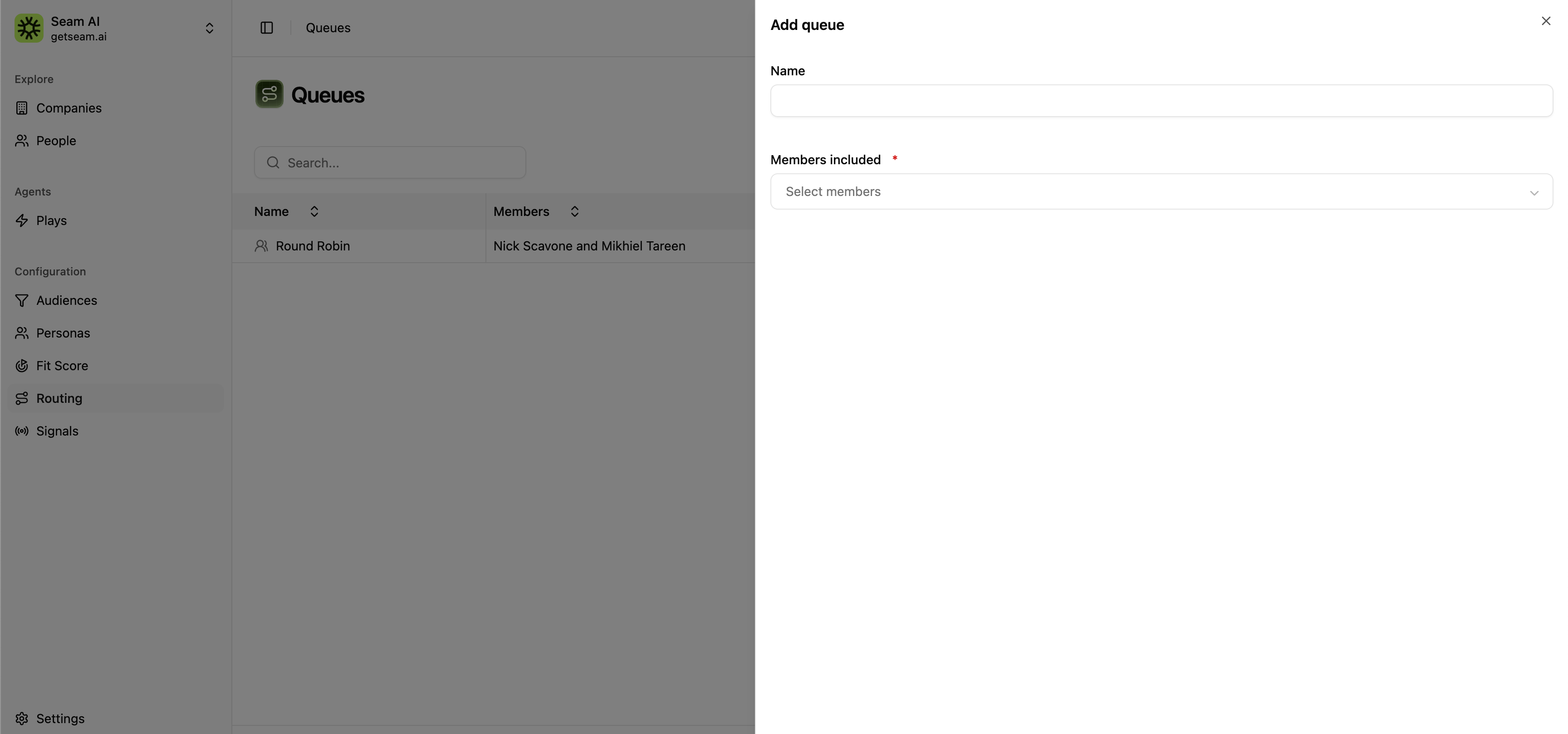
Click Add queue to open the queue creation dialog.
3
Name your queue
Give your queue a descriptive name (e.g., “SDR Round Robin”, “Enterprise AEs - West”, “Healthcare Specialists”).
4
Select members
Choose which team members should be included in this queue. These should match users from your connected CRM or sales engagement platform.
5
Save
Click Save to create the queue. You can now use it in play routing configurations.
Queue Examples
Round Robin - Full SDR Team
Round Robin - Full SDR Team
Name: SDR Round RobinMembers: All SDRs (evenly distributed)Use for: High-volume inbound leads, general prospecting plays
Regional Teams
Regional Teams
Queue 1: East Coast SalesQueue 2: West Coast SalesQueue 3: EMEA TeamUse for: Territory-based routing in plays with geographic filters
Vertical Specialization
Vertical Specialization
Queue 1: Healthcare SpecialistsQueue 2: Financial Services TeamQueue 3: SaaS/Tech ExpertsUse for: Industry-specific plays targeting particular verticals
Tiered Coverage
Tiered Coverage
Queue 1: Enterprise AEs (accounts with 1000+ employees)Queue 2: Mid-Market AEs (accounts with 200-999 employees)Queue 3: SMB SDRs (accounts under 200 employees)Use for: Plays filtered by company size or deal value
Best Practices
Descriptive names
Descriptive names
Use clear naming conventions that explain the queue’s purpose (who and when)
Keep them updated
Keep them updated
Review queues quarterly as team members join/leave or territories change
Match capacity
Match capacity
Balance queue sizes based on rep capacity, not just headcount
Test before deploying
Test before deploying
Create a small test play to verify contacts route correctly before scaling