

Where to Connect
In Seam, navigate to Settings → Connections to add new integrations.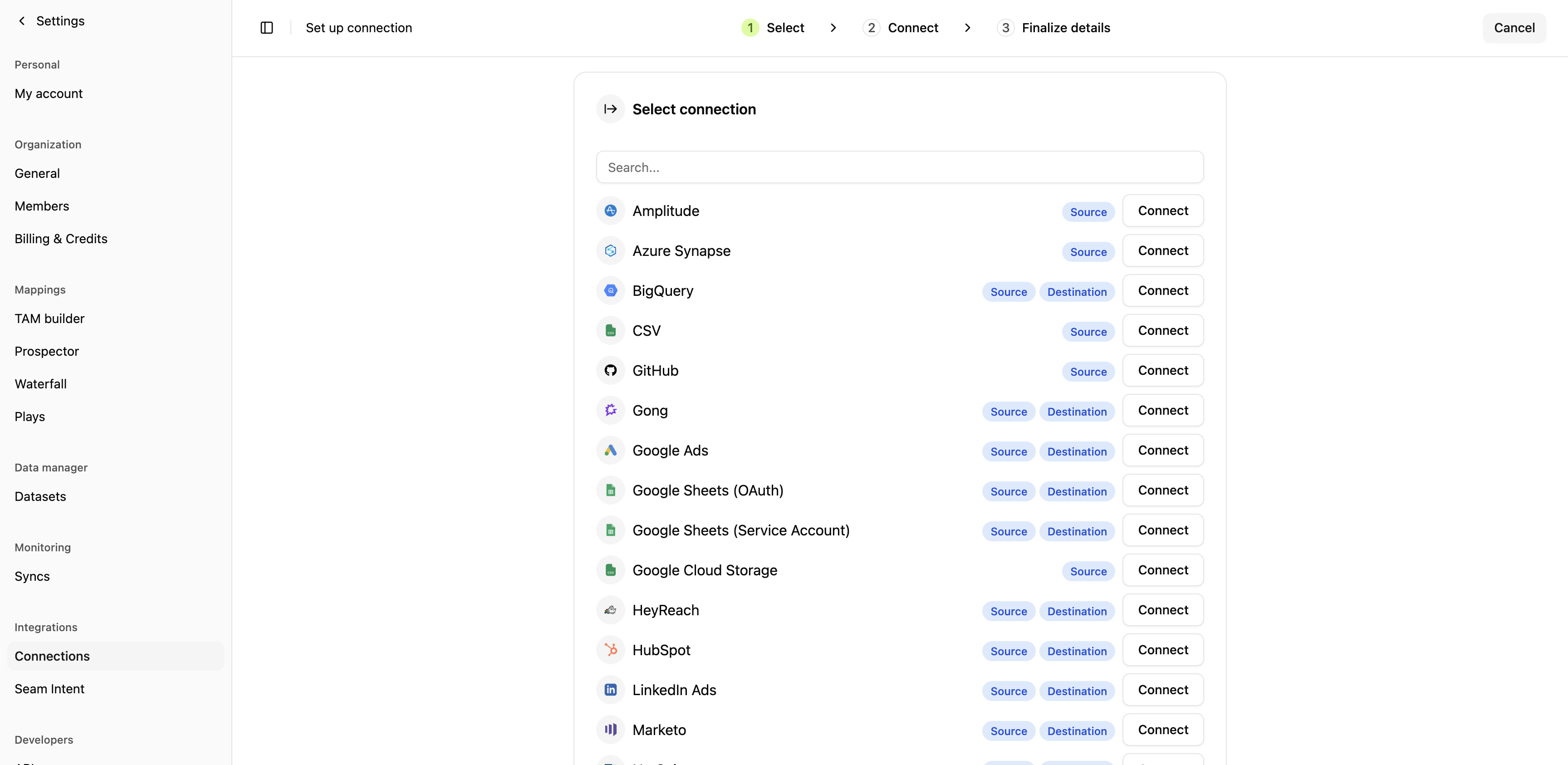
Available Connections
CRM Systems
Start here - your CRM is required for all other Seam features.Sales Engagement Platforms
Connect your sales engagement tool to deploy contacts from plays.Marketing Platforms
Data Warehouses & Databases
Analytics & Product Intelligence
Business Systems
Data Sources
Next Steps
1
Verify data quality
Check that accounts, contacts, and activities are syncing correctly in Seam.
2
Install web pixel
Capture first-party intent data from website visitors.Install web pixel →
3
Configure intent keywords
Define which pages and topics indicate buying intent.Set intent keywords →